Mauve 👁💜 @mauve@mastodon.mauve.moe
- Pronouns
- they/them/it
- mauve+fedi@mauve.moe
- Matrix
- @mauve:mauve.moe
- Github/Gitlab/Discord
- @RangerMauve
Mod
Occult cyberpunk. Yap with me about decentralized systems, wearable computing, and biohacking.
Joined Apr 2022
Mauve 👁💜
boosted

contentious opinion: we already have nomadic identity
I dunno, I feel like Mastodon already has nomadic identity, it's just that there's a forwarding service between instances. But it will in fact direct those with old references to your profile to a new location. There's a migration process to pull over your social graph. Depending on the platform (cough, GoToSocial) you can even bring your posts with you.
The fact that you can't keep the same identity on a host owned by someone else forever is hardly a downside, imo. What's magic, if you've never experienced it, is the day you're following someone and you see they changed their avatar, or you go to their profile and you realize that they are not on their old instance anymore, they've migrated. They did it without fanfare or announcement, and yet I never even noticed because I was still following them and receiving their posts.
It's nomadic identity in the truest decentralized fashion. You claim your identity (I'm here@here) and if it changes, you update it in places you display it and you can set up a forwarding address to your new location....
...The new place your data is hosted.
Like your data has to be hosted somewhere, and we're not sending it to a big centralized public firehose, that would be ridiculous and silly, so I don't get what else we expect here.
We have the ability to move servers and bring our followers with us, and reproduce the same exact Home feed (via our follow list) along with our blocks and mutes and bookmark imports.
We functionally already have nomadic identity.
You just don't like how it works.
I really hate computers sometimes
Mauve 👁💜
boosted

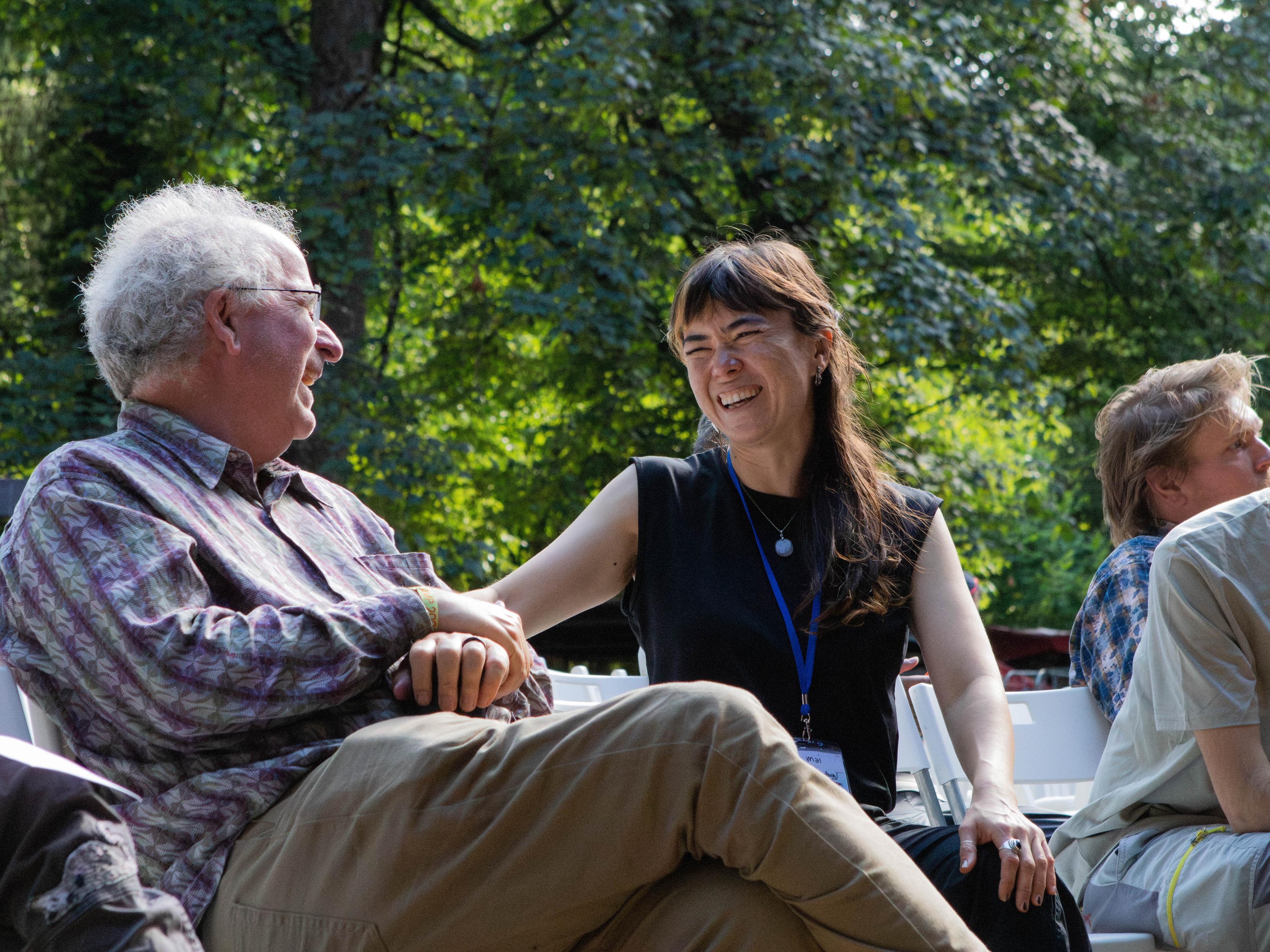
🏕️ DWeb Camp 2026: Root Systems has begun!
Honestly: we are posting only now because day 1 has passed and we didn’t even realise it! ✨
🫶 We are over 500 builders, dreamers, artists, and organisers.
💫 Everyone created their button name tags, and found their people.
The opening ceremony set the tone: co-created, participatory, and very much alive.
🌳 In one sentence: “Our future is the forest.”
Ahead of us are 4 more days of protocol talks, campfire conversations, and whatever we want.
Mauve 👁💜
boosted

computers were invented in the *mumblties* and you had to pay to program them
then in the late 70s, you could finally program them! for free! you just had to own a microcomputer! yay
but then in the 80s and 90s you had to buy compilers, which were expensive
by with the 2000s, rapidly compilers and interpreters became free again. anyone could program, for free!
and then in the 2020s someone invented "programming but you have to pay", again.
DON'T FALL FOR THIS TRAP
Mauve 👁💜
boosted
like, even if the AI can do programming for you, which... is debatable.
It's not going to do it for free. They're selling you the ability to program. One of the main reasons you should learn to program is so no one can take it from you, or charge a fee for doing it.
Mauve 👁💜
boosted

Spent my childhood optimizing CONFIG.SYS and AUTOEXEC.BAT to fit everything into 640 KB.
Now one browser tab needs 2 GB of RAM so 17 analytics companies can find out I looked at socks.
I feel like shit but I wanna go see a local showwwsss
Turns out the battery level indicator was just lying and it ran out while it was still reporting over 80%. 🙃
Mauve 👁💜
boosted

Hypnospace Outlaw on mobile on July 23!!
Take our 1999-inspired internet and #FakeOS on the go on iPhone, iPad, Android phone and tablet, AND Google Play Games for PC!!
Pre-save on the App Store:
https://apps.apple.com/us/app/hypnospace-outlaw/id6742747659
Pre-register on Google Play:
https://play.google.com/store/apps/details?id=com.tendershoot.hypnospaceoutlaw
I'm so excited for Broken Reality 2000 to come out this month. 😍 The original is one of my favorite games.
Mauve 👁💜
boosted

A rough analogy:
Threads → Fox News
Bluesky → The Atlantic
The fediverse → zines stapled to a lamppost outside your favorite queer and/or communist bookstore
Mauve 👁💜
boosted

There are not nearly enough digital screen-less devices around. I saw this incredibly cool pin-based display backed by actuators and thought it was so neat. I want more of that.
About 8 hours of coding SSH'd into my #cyberdeck only used 4% battery. I'm convinced that once I get my TTS/STT setup working with this thing I'll be able to use it all day. Screens and GUIs take *so much* energy to run. 😅
Mauve 👁💜
boosted
If you are a member of Codeberg e.V. please take the time to participate in the poll that was just sent out about banning vibe-coded projects on Codeberg.
Please agree to the proposal. Slop can live on GitHub.
Mauve 👁💜
boosted
I love the whole #cyberdeck concept but havent built one yet. However with all the #ageverification stuff going on right now i cant help thinking that if we're to stay online in the next few years the cyberdeck will be the only way. Everyone else will be enslaved by their #Apple #google devices but i dont intend to be part of that, and neither I suspect will you!
Online social spaces should be for nerds and outcasts. Other folks should stick to talking to people in real life.
Genuinely feels magical that this TUI editor can somehow integrate with my system clipboard over SSH. Must be some sort of TTY escape code feature that I'm unaware of.
Check out the new website the design folks at the company I work for made! https://awana.digital/
It's got fancy parallax now.
Love me some UK riddim in the morning.
Mauve 👁💜
boosted




In order to use Kagi as the default search engine in iOS Safari, you install their app and it then redirects requests to one of the search engines Safari does actually support.
In other words: you keep your default search engine set as Google or whichever. When you perform a search, the Google page appears for a fraction of a second before you're redirected to Kagi.
As well as being wasteful in terms of resources, this breaks the back button in the browser. If you want to return to the page you were on before performing a search, good luck with that.
Each time you navigate back from Kagi, you go to Google. But the Kagi logic then redirects you forwards to Kagi which is where you just came from.
In theory it might be possible to tap the back button multiple times fast enough to avoid the redirect. In practice, I use VoiceOver and the screen reader is far too unresponsive to make that feasible without turning it off and hoping I tap in the right place.
All because Apple have decided not to support such a basic feature as custom search engines.
- Pronouns
- they/them/it
- mauve+fedi@mauve.moe
- Matrix
- @mauve:mauve.moe
- Github/Gitlab/Discord
- @RangerMauve
Mod
Occult cyberpunk. Yap with me about decentralized systems, wearable computing, and biohacking.
Joined Apr 2022